

Tested Minecraft Versions:
xeRicker, Eselyx


★ Mystery Boxes
• Create as many boxes as you want, configurate each of them for your own needs, and have fun while opening them!
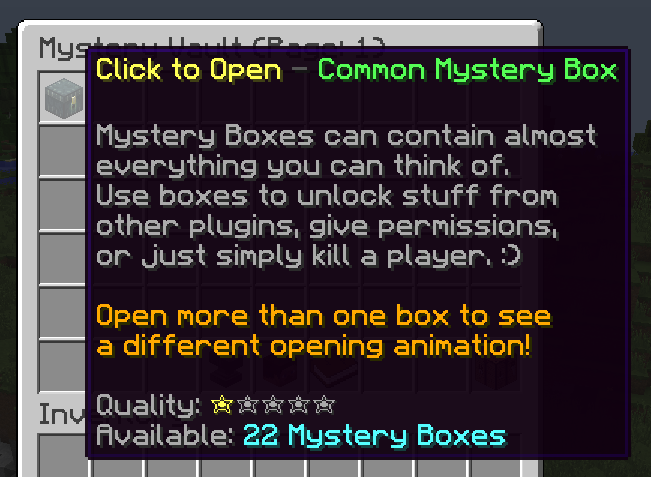
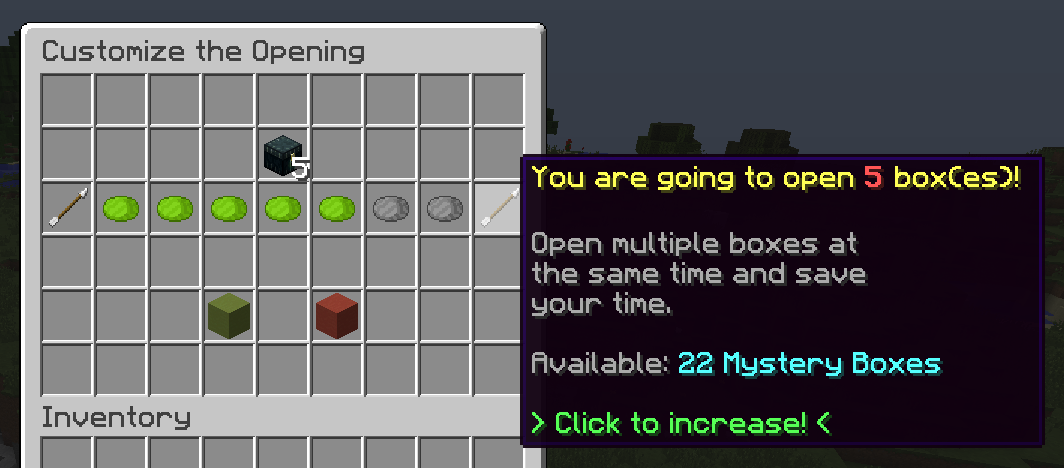
★ Customize the Opening
• When you click on a box in the Mystery Vault you will be able to choose how many boxes you would like to open. You can open up to seven Mystery Boxes at once.
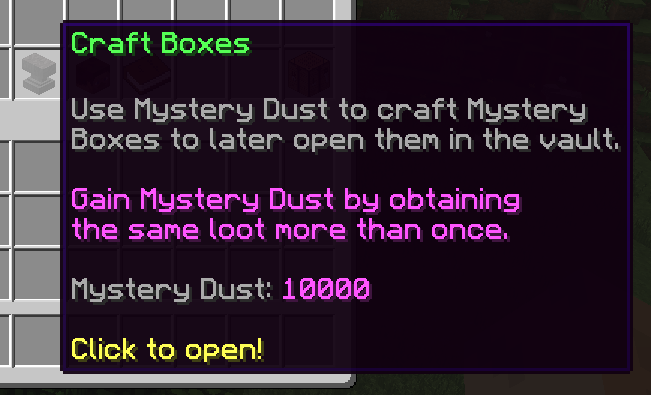
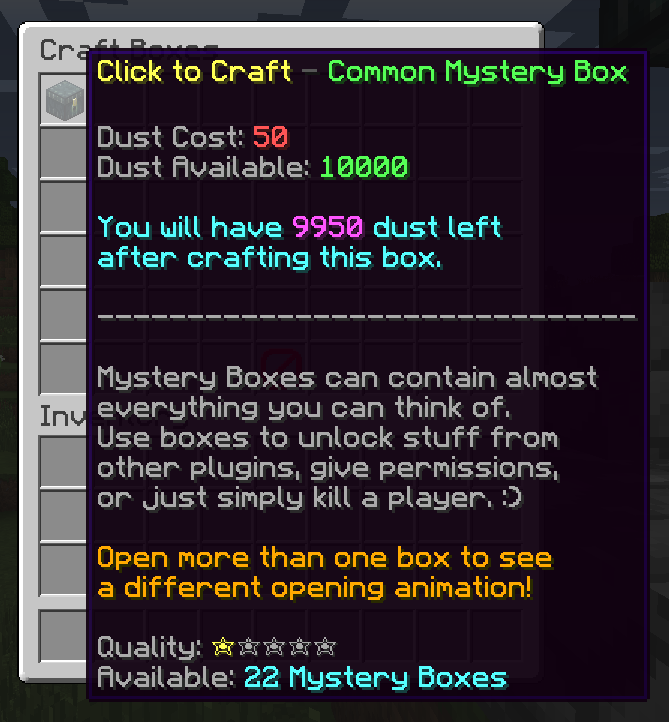
★ Crafting
• Spend some Mystery Dust to craft Mystery Boxes. By default, Mystery Dust is gained by getting the same loot more than once.
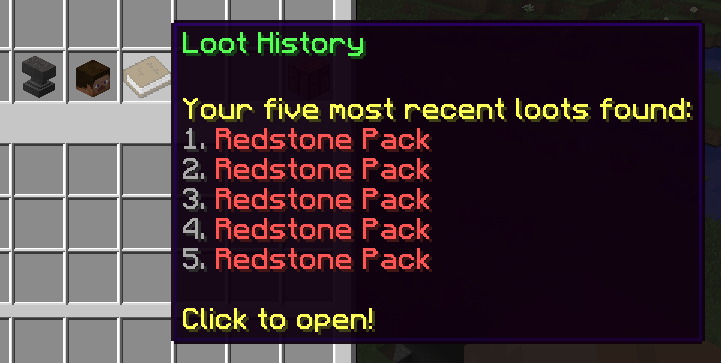
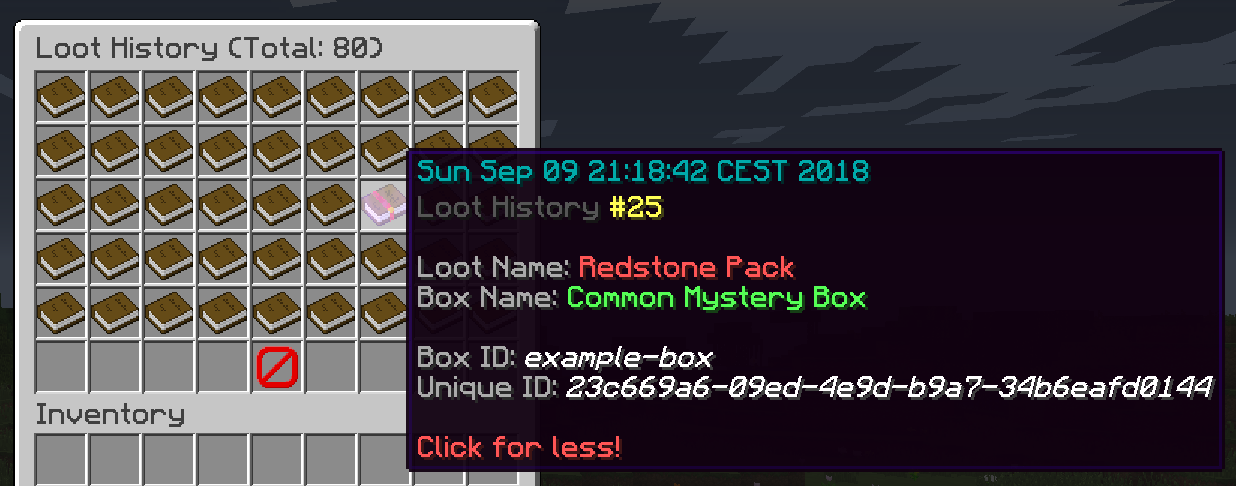
★ Loot History
• View all your previous loots (this includes: loot name, box name, box id, loot history id, and open date).
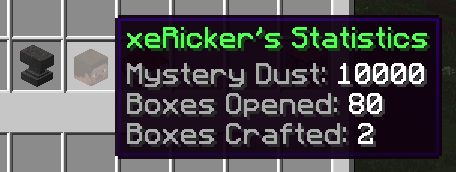
★ Statistics
• Open the Mystery Vault and hover over your head to see your statistics.
★ Mystery Vault
• This magicial place allows you to open Mystery Boxes, craft Mystery Boxes, view statistics, or else.

★ Mystery Vault Opening Animations
• I think the title explains enough...
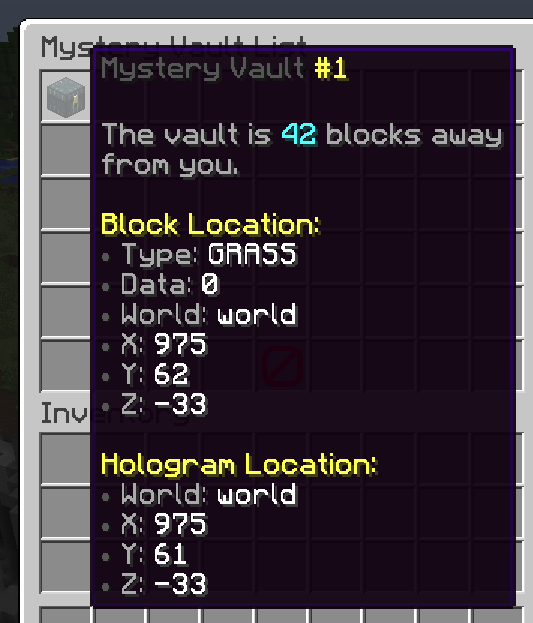
★ Mystery Vault List
• View all Mystery Boxes which have been set up on your server.
★ Mystery Vault Manager
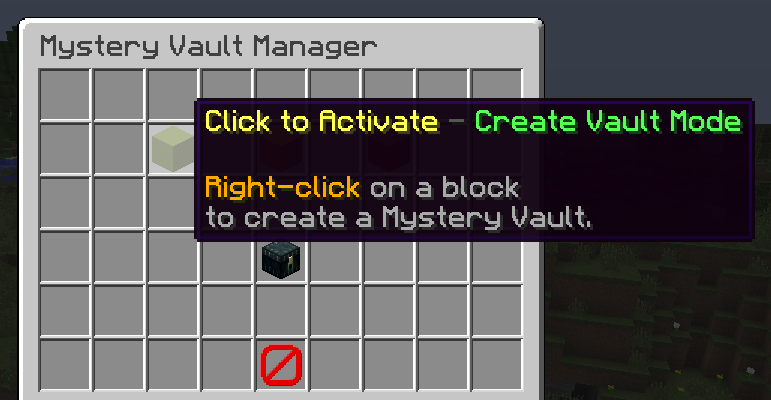
• This menu allows you to create a magical block which will allow players to open their boxes. Open the menu, activate a mode, then right-click a block and let the magic happend! Don't forget to exit the mode after you've creating magic!
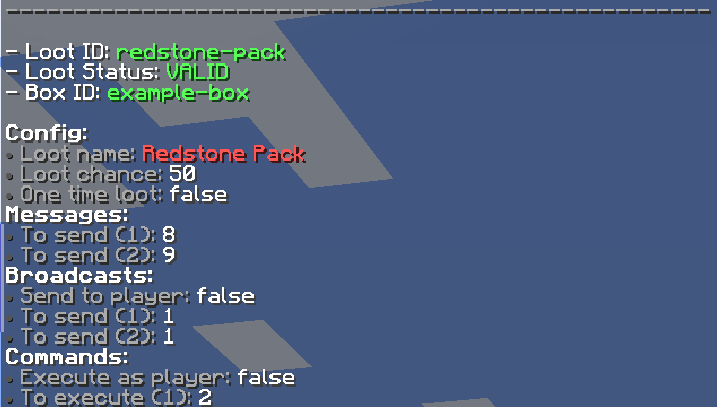
★ Debug Commands
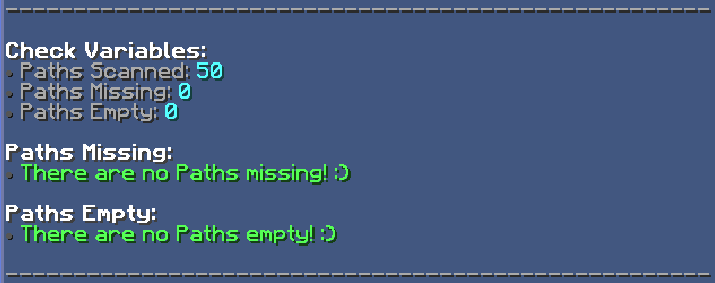
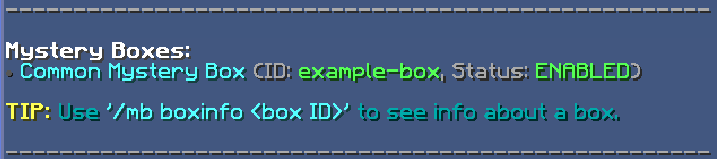
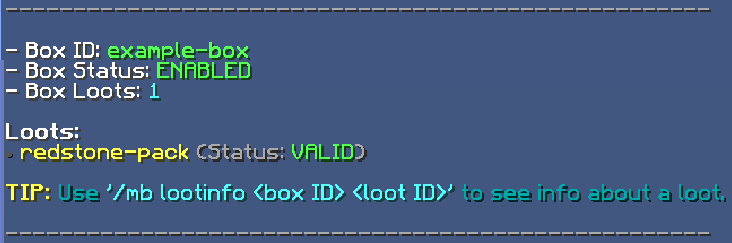
• If the plugin is not working correctly, then run the commands which are listed below. If there's at least one path missing/empty, your config is outdated/broken and needs to be either fixed or re-done (delete it and let the plugin generate a new one).
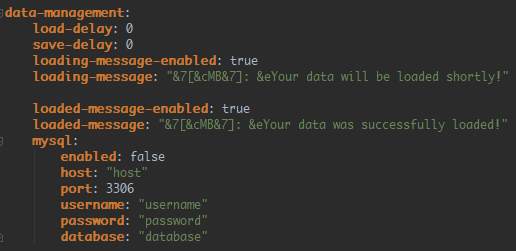
★ Data Management & MySQL Datebase
• Add a delay to when data is loaded and saved.

Installation of the core:
• Coming soon!
Installation of the placeholder extension:
• Coming soon!
Configuration Files:
• config.yml - https://pastebin.com/jkEwyQvN
• language.yml - https://pastebin.com/DkSVkiT9
• example-box.yml - https://pastebin.com/v9D907Ry

• PlaceHolderAPI (Latest): https://www.spigotmc.org/resources/6245/
• EffectLib (v5.9): https://dev.bukkit.org/projects/effectlib
- 1.12
xeRicker, Eselyx
★ Mystery Boxes
• Create as many boxes as you want, configurate each of them for your own needs, and have fun while opening them!
★ Customize the Opening
• When you click on a box in the Mystery Vault you will be able to choose how many boxes you would like to open. You can open up to seven Mystery Boxes at once.
★ Crafting
• Spend some Mystery Dust to craft Mystery Boxes. By default, Mystery Dust is gained by getting the same loot more than once.
★ Loot History
• View all your previous loots (this includes: loot name, box name, box id, loot history id, and open date).
★ Statistics
• Open the Mystery Vault and hover over your head to see your statistics.
★ Mystery Vault
• This magicial place allows you to open Mystery Boxes, craft Mystery Boxes, view statistics, or else.
★ Mystery Vault Opening Animations
• I think the title explains enough...
★ Mystery Vault List
• View all Mystery Boxes which have been set up on your server.
★ Mystery Vault Manager
• This menu allows you to create a magical block which will allow players to open their boxes. Open the menu, activate a mode, then right-click a block and let the magic happend! Don't forget to exit the mode after you've creating magic!
★ Debug Commands
• If the plugin is not working correctly, then run the commands which are listed below. If there's at least one path missing/empty, your config is outdated/broken and needs to be either fixed or re-done (delete it and let the plugin generate a new one).
★ Data Management & MySQL Datebase
• Add a delay to when data is loaded and saved.
Installation of the core:
• Coming soon!
Installation of the placeholder extension:
• Coming soon!
Configuration Files:
• config.yml - https://pastebin.com/jkEwyQvN
• language.yml - https://pastebin.com/DkSVkiT9
• example-box.yml - https://pastebin.com/v9D907Ry
• PlaceHolderAPI (Latest): https://www.spigotmc.org/resources/6245/
• EffectLib (v5.9): https://dev.bukkit.org/projects/effectlib


